
 Vishal Singhal
Amazon SES (Amazon Simple Email Service) is AWS’s cloud email service for sending and receiving email from your own addresses and domains. Your application or email platform hands messages to SES through its SMTP interface or API, and SES delivers them, so you don’t run mail servers or manage IP reputation yourself. Teams use it for transactional email such as order confirmations and password resets, for marketing email and newsletters, and for processing incoming mail. You pay for the volume you send and receive. SES is sending infrastructure: it has no campaign editor or customer database of its own.
Last updated: 6 November 2026. Checked against AWS’s current documentation, linked inline. Weighing whether SES suits your team? Our Amazon SES review with its pros and cons covers that; this page explains what SES is and how it works.
What is Amazon SES? Full form and meaning
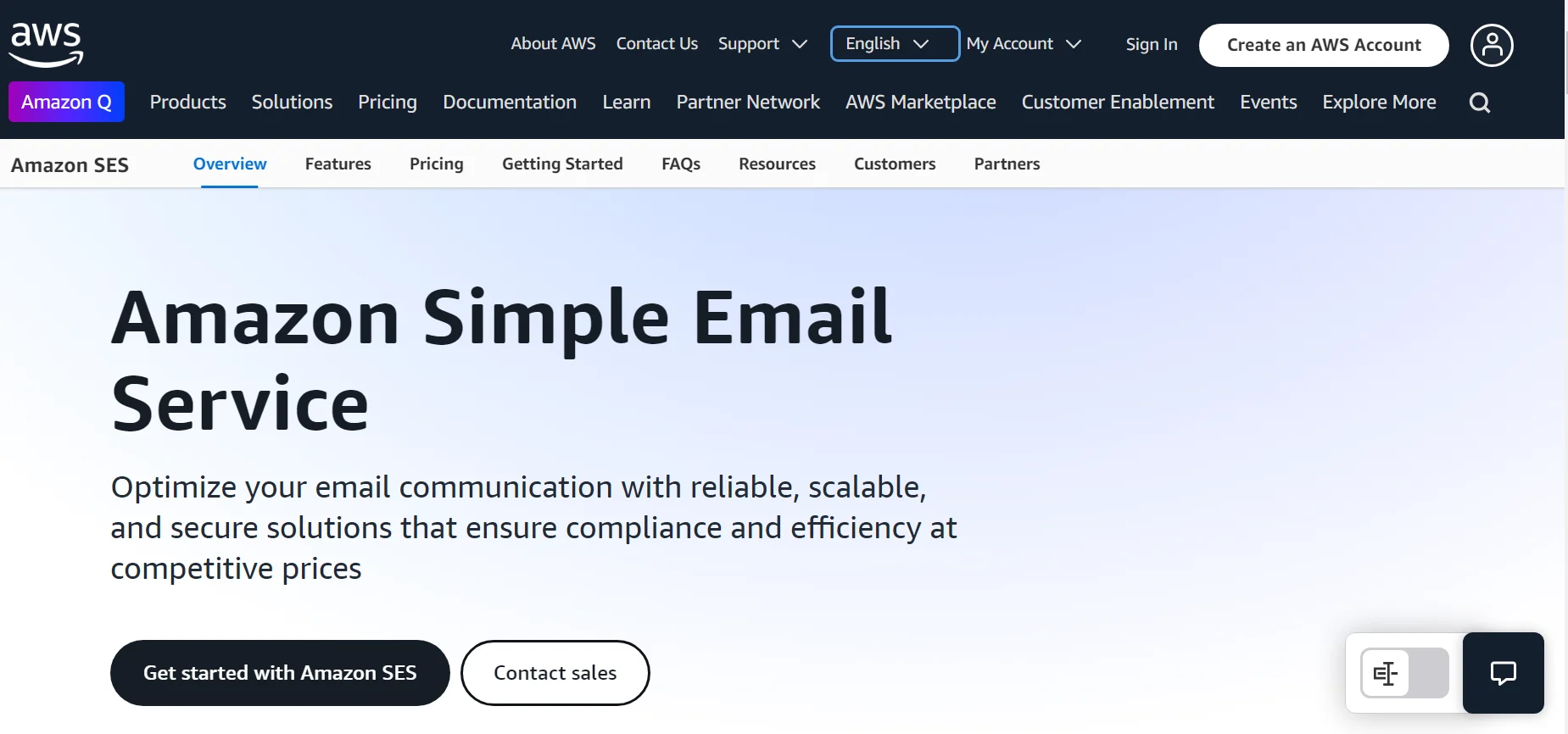
SES stands for Simple Email Service. You’ll see it written as Amazon SES, AWS SES or just SES; they are the same service. AWS’s developer guide defines it as an email platform that gives you an easy, cost-effective way to send and receive email using your own email addresses and domains.
The reason it exists is the work it takes off your hands. Running email at scale means looking after mail servers, network configuration and the reputation of your sending IP addresses. SES runs on the email infrastructure Amazon built for its own customers, so you get that without negotiating a contract or paying upfront.
What Amazon SES is used for
- Transactional email, sent one to one when a user does something: order confirmations, password resets, receipts, OTPs.
- Marketing email, sent one to many to people who opted in: offers, product news, newsletters.
- Receiving email, where SES accepts mail for your domain and hands it to your code: autoresponders, unsubscribe-by-reply, support tickets from incoming email.
- The email channel behind other tools. Many email marketing platforms send through SES, either on their own AWS account or on yours.
AWS asks you to pick marketing or transactional as your main mail type when you request production access, so it’s worth knowing which one most of your email is.
How Amazon SES works, step by step
This is the path from a new AWS account to email reaching customers.
- Verify an identity. Add the domain or address you’ll send from, and publish the DKIM records SES gives you. SES supports SPF, DKIM and DMARC; Easy DKIM generates the keys for you.
- Send test mail in the sandbox. New accounts start in the SES sandbox: only verified recipients or the mailbox simulator, up to 200 messages in 24 hours, one per second. The sandbox is separate in each AWS Region.
- Request production access. Describe your mail type, website and how you handle bounces and complaints. AWS gives an initial response within 96 hours.
- Send through SMTP or the API. SMTP suits existing apps and plugins; the SES API v2 and AWS SDKs give more control. Messages can be up to 40 MB through the v2 API or SMTP.
- Handle what comes back. Bounce, complaint and delivery notifications go to Amazon SNS, and sending events can stream to CloudWatch or Data Firehose.
- Keep your reputation. Hard bounces and complaints land on the account-level suppression list. AWS reviews an account at a 5% bounce rate or 0.1% complaint rate and can pause it at 10% or 0.5%, according to its sending review FAQ.
Our step-by-step guide to setting up an Amazon SES account shows each screen, and getting AWS SES production access covers the request itself.
Amazon SES vs SNS vs End User Messaging: which AWS service does what
AWS has several services with “message” or “notification” in the name, and Amazon Pinpoint, which used to sit across them, is gone. AWS ended Pinpoint support on 30 October 2026 and points new email senders to SES and new SMS and voice senders to AWS End User Messaging. Here’s how the pieces fit now.
| Service | What it is for | Use it when |
|---|---|---|
| Amazon SES | Sending and receiving email from your own domains | You need email at any volume, transactional or marketing |
| Amazon SNS | Publish and subscribe messaging between applications, plus SMS, push and simple email notifications to people | You need alerts or fan-out between systems, or SES bounce and complaint notifications |
| AWS End User Messaging | The SMS, voice, push and WhatsApp channels that used to be part of Pinpoint | You send SMS or voice to customers from your own code |
| Amazon Pinpoint | Segments, campaigns and journeys (support ended 30 October 2026) | No longer an option for new work |
The short way to remember it: SES is email, SNS is notifications between systems, and End User Messaging is the phone channels. If you’re still moving off Pinpoint, read what Pinpoint end of support means for you.
What SES does, and what it leaves to you
The most common surprise for marketing teams is how much of an email programme sits outside SES. It delivers what it is given. Everything that decides who gets what, and when, is yours to build or buy.
| Job | Amazon SES | You or your email platform |
|---|---|---|
| Delivering the message | Yes | None |
| Authentication and suppression | DKIM keys, SPF and DMARC support, suppression list | Publish DNS records, keep your own lists in sync |
| Contacts and consent | One contact list per account with up to 20 topics | Customer data, attributes, consent across channels |
| Segments and journeys | No | Build the logic or use a platform |
| Designing emails | Templates with replacement tags, via the API | An editor non-developers can use |
| Reporting | Delivery events and reputation metrics | Opens, clicks and revenue by campaign |
For a fuller look at where this helps and where it hurts, see the Amazon SES features, pros and cons. To keep a live account healthy, our AWS SES dos and don’ts lists the habits that matter.
How Amazon SES is priced
AWS’s SES pricing page describes pay-as-you-go pricing by volume, with no upfront commitment. Outbound email is billed per thousand messages, attachments by data size, and inbound mail by the messages processed. Dedicated IPs, managed IPs and the deliverability add-ons cost extra. You can stay à la carte or choose one of three plans (Essentials, Pro or Enterprise), and new AWS customers get Free Tier credits that can be used on SES. Rates change, so we keep them in one place: our Amazon SES pricing guide.
Using Amazon SES with CampaignHQ
This is CampaignHQ’s blog, and our email runs on Amazon SES, so take this section with that in mind.
CampaignHQ is an AWS Partner. You can connect your own AWS account so email sends through your SES and reputation stays on your IPs, or use managed sending. It adds the layer SES leaves out: email, WhatsApp and SMS on one contact database, segments, journeys, a shared team inbox and revenue attribution, and it connects to CRMs through its API and webhooks. CampaignHQ is SOC 2 Type II certified and a Meta Business Partner on the official WhatsApp Business API, and there is a 7-day free trial with no credit card.
Amazon SES FAQs
What is the full form of SES in AWS?
SES stands for Simple Email Service. Amazon SES and AWS SES are two names for the same service.
What is the difference between Amazon SES and SNS?
SES is built for email: it sends and receives full messages from your verified domains, with authentication, suppression and deliverability tools. SNS is a publish and subscribe service that moves messages between applications and can send SMS, push and simple email notifications. Many teams use both: SES sends the email, and SNS carries its bounce and complaint notifications.
How do I start using Amazon SES?
Verify your domain, test in the sandbox, request production access, then send through SMTP or the API. Set up bounce and complaint notifications before you send to real customers.
Is Amazon SES free?
Not after the free credits. New AWS customers get Free Tier credits that can be applied to SES, and after that you pay for the email you send and receive. Our SES pricing guide has the current rates.
Can Amazon SES receive emails?
Yes. Receipt rules can store incoming mail in Amazon S3, trigger AWS Lambda functions or publish to Amazon SNS. Teams use this for autoresponders, unsubscribe handling and support tickets.


